

When you start looking into getting a website, it can feel like there are too many options and too many extras – it’s hard to know what you actually need and what you don’t. So here are the basics.
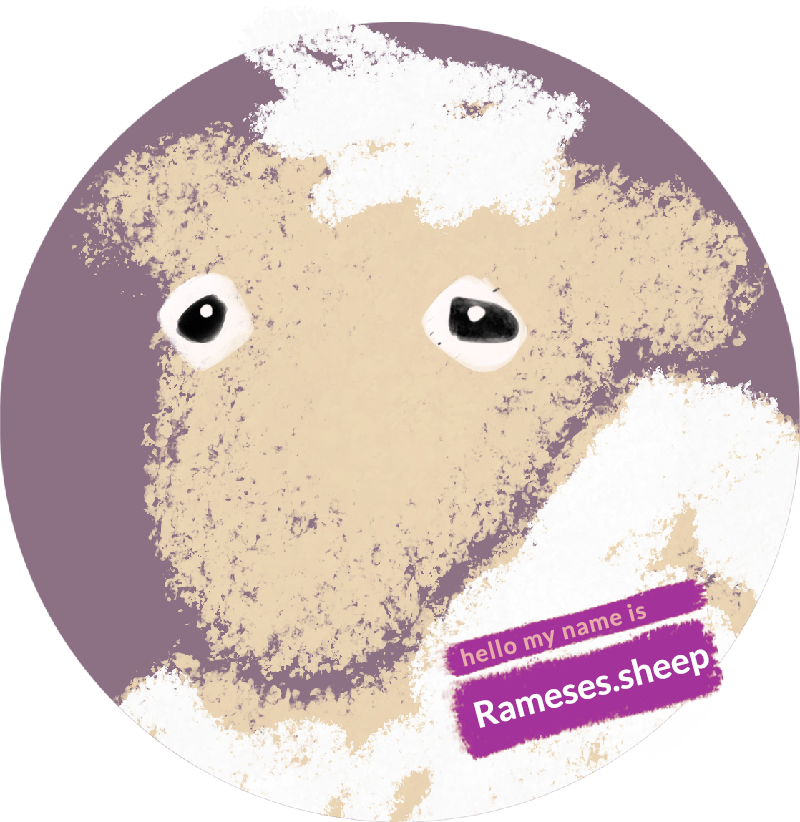
Let’s pretend your website-to-be is a sheep.
Why: why do you actually need a website?
Before anything else, you need to answer the question of why you need this sheep – this website. That might be to act as a portfolio, to demonstrate your trustworthiness, or to sell products. Whatever it is, it’s worth being clear on this first, because it shapes everything that follows.
What: what’s a domain name, and why do you keep paying for it?
Once you know your why, the next question is what. What’s your sheep’s name tag? That’s the domain name – your web address – and it’s one of your main costs. Sticking with the analogy, we can’t buy the name tag outright. We have to pay for the use of it, on an ongoing basis.
Where: where does your website actually live?
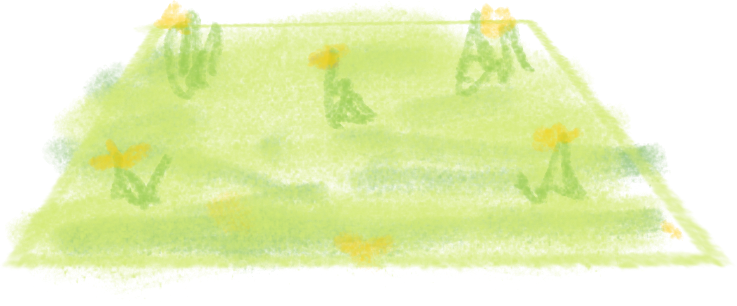
The next question is where. Where is your sheep going to live? Over the landscape of the internet, it needs a patch of grass to call its own. You can rent an area of a field – that’s the hosting for your website. It’s the place where your website actually lives.
How: how do you set up and look after your website?
The next question is how – how do you get to the position where you have a sheep (or a website) that’s well looked after?

The all-in-one route: letting a shepherd take care of things
One way is to set up your website with an all-in-one provider – a bit like a shepherd, in our analogy. Squarespace, Wix, and WordPress.com are all shepherds in this sense. They’ll charge you a monthly or annual fee for giving your sheep somewhere to live and looking after it – making sure it’s fed, and its coat is sheared come springtime. It’s an easy-care route, and you pay a bit more knowing that the care of your sheep is essentially someone else’s responsibility.
The downside of the shepherd route is that the shepherd has his own way of doing things. He might give your sheep a hairstyle you don’t like, or force you to choose from a limited set of styles. It’s easy, but it’s a limited approach.
The DIY route: finding your own field
Or you could go down the DIY route. This means sourcing your own place for the sheep to live (the hosting), sourcing your own name tag (the domain name), and finding someone to provide you with a sheep and style it the way you’d like. WordPress.org – the open, self-hosted version of WordPress – is probably the main route here. It’s worth mentioning that distinction, because the two are easily confused: WordPress.com is a shepherd, giving you a home for your sheep and looking after it for a fee; WordPress.org is the open software itself, which you can install on hosting of your own choosing as part of the DIY route.
The downside of DIY is that there’s more effort for you up front, thinking about what you’d like your sheep to be like. But the upside – ultimately, you’ll have more autonomy. You have more control over how your website functions, and you can adapt and grow those functions as time goes on. Whereas if you’ve left your sheep with a shepherd, your options are limited to pre-set pathways for development.
Who: who can help you get started?
That’s where someone like me comes in. I can help you get set up, give you the sheep you want, and even help you maintain it. I suggest designs and styling born out of conversations with you – so the end result actually reflects you, rather than a template someone else chose.
Which route suits you?
If you’re weighing up the shepherd route against the DIY route, I’m always happy to talk through which makes more sense for what you need.